Top 10 Essential VS Code Extensions
 Gentle JosephFrontend Engineer
1. Prettier
Prettier is an opinionated code formatter. It enforces a consistent style by parsing your code and re-printing it with its own rules that take the maximum line length into account, wrapping code when necessary.
2. Better Comments
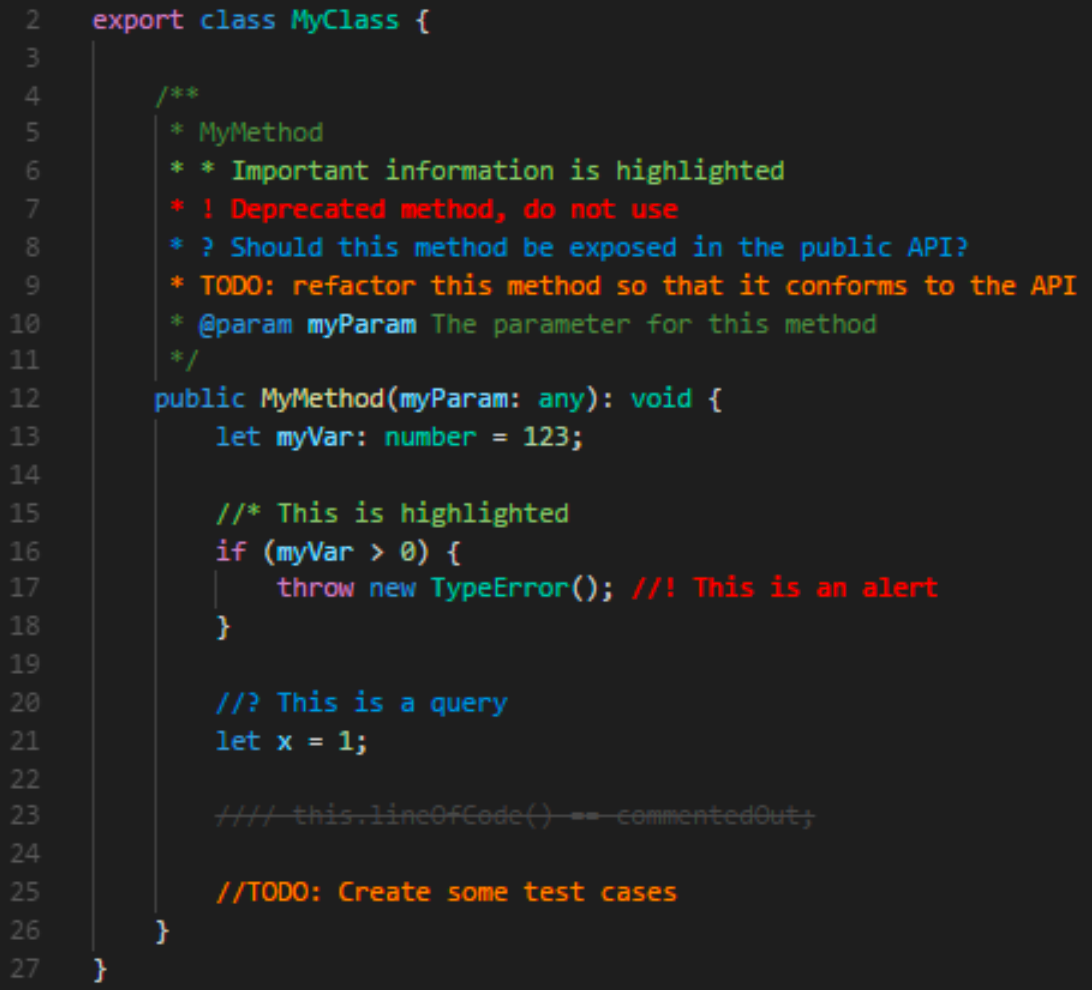
The Better Comments extension will help you create more human-friendly comments in your code. With this extension, you will be able to categorise your annotations into:
- Alerts
- Queries
- TODOs
- Highlights
- Commented out code can also be styled to make it clear the code shouldn't be there
- Any other comment styles you'd like can be specified in the settings
3. Error Lens
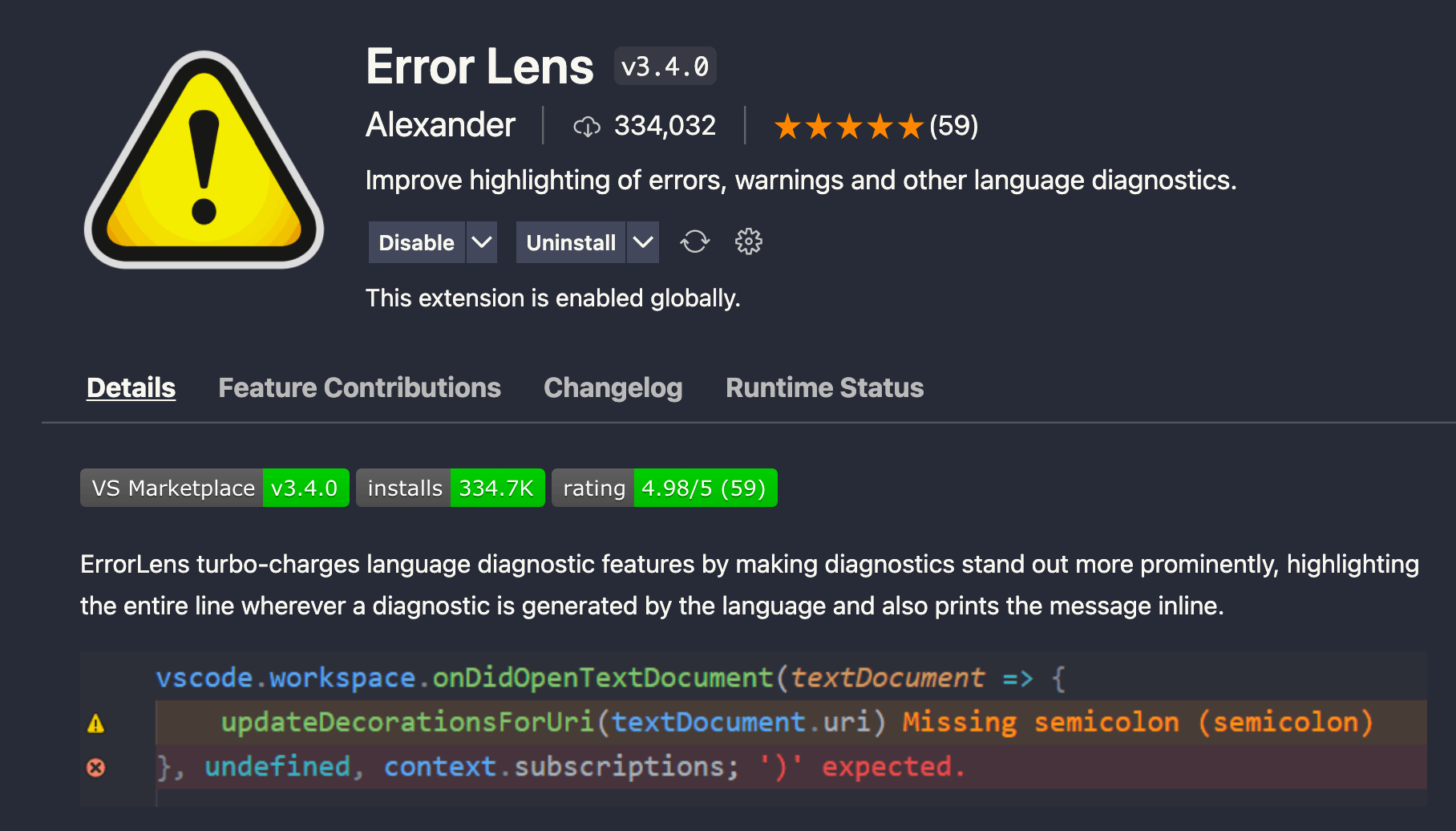
Even before I can find errors myself, this awesome extension helps me identify potential bugs.
4. GitLens
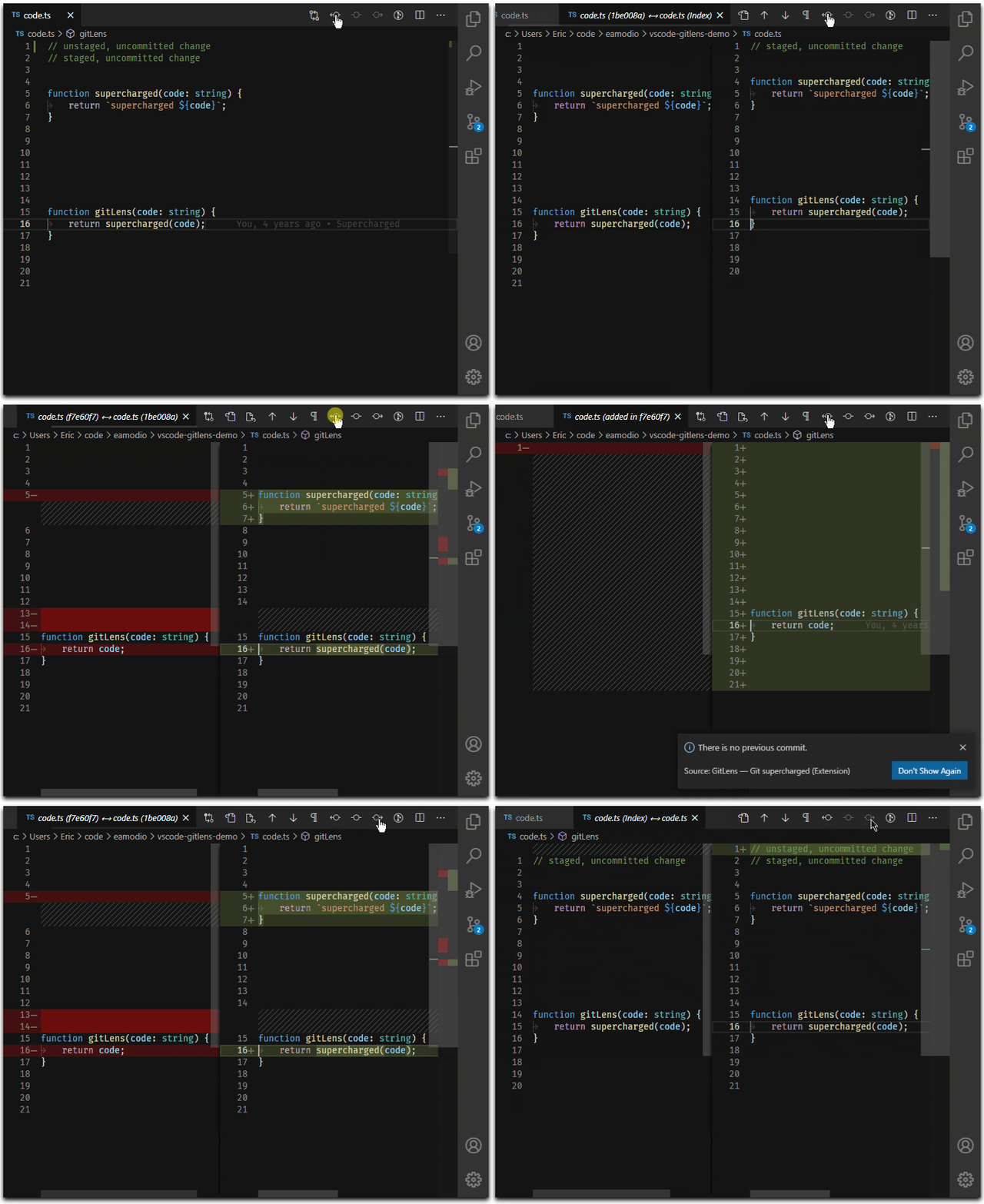
GitLens helps you better understand code. Quickly glance into who, why and when a line or code block was changed. Jump back through history to gain further insights as to how and why the code evolved. Effortlessly explore the history and evolution of a codebase.
5. Import Cost
Using big packages may potentially increase our app's build size by adding more code than necessary. But thanks to this extension. It helps me to decide whether I should use the package or not based on its size. This is because it will show you inline in the editor how much space a particular imported package takes up so that you can better determine if such packages are worth including with your app build. It does this using webpack and babili-webpack-plugin behind the scenes
6. JSON to TS
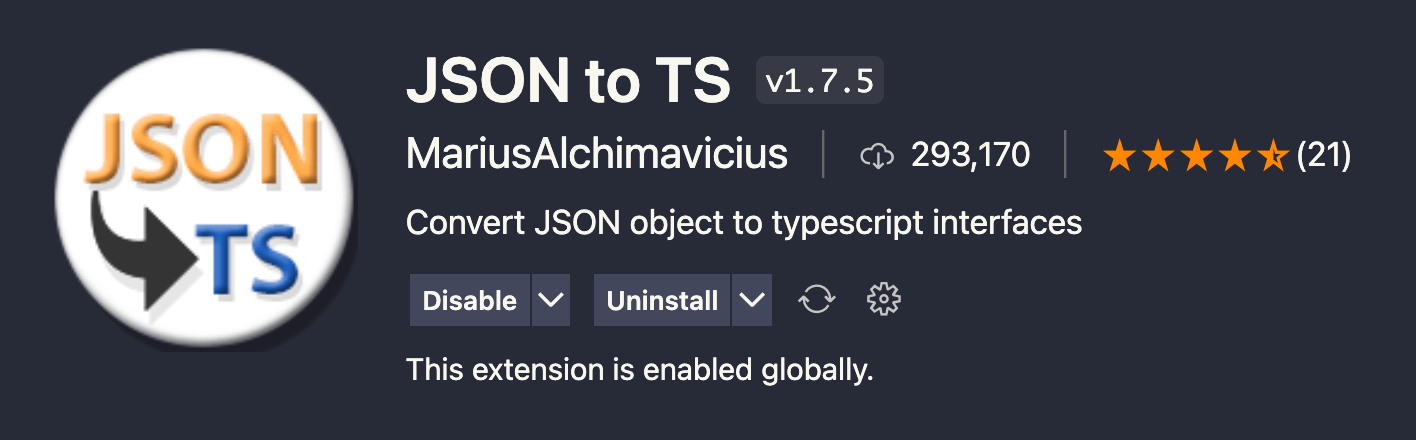
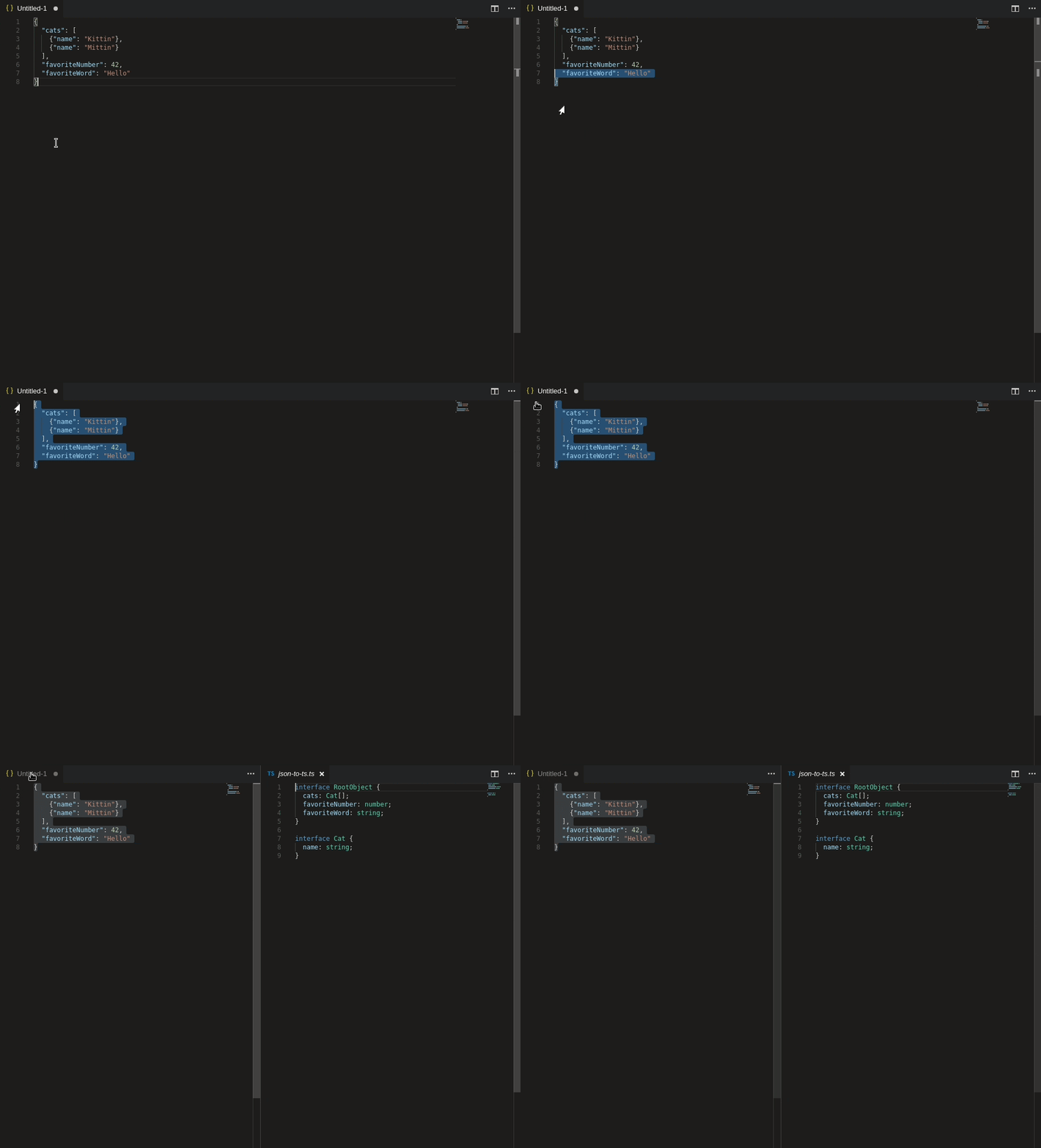
Self-explanatory. I absolutely love this extension. This saves a lot of development time when working with APIs.
7. Peacock

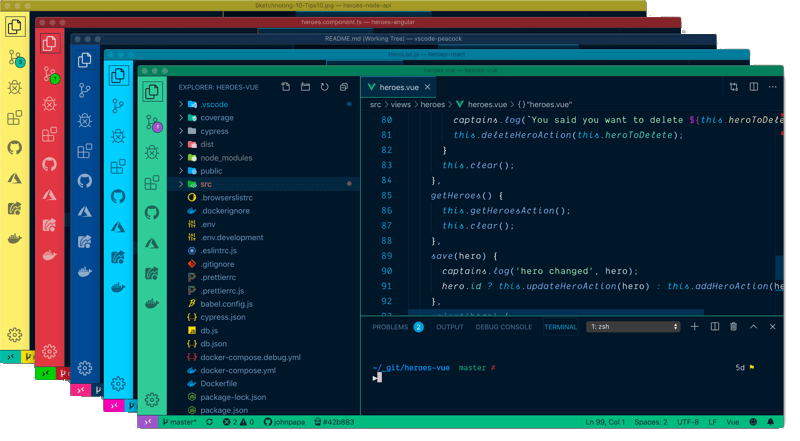
A handy tool to differentiate different window instances.
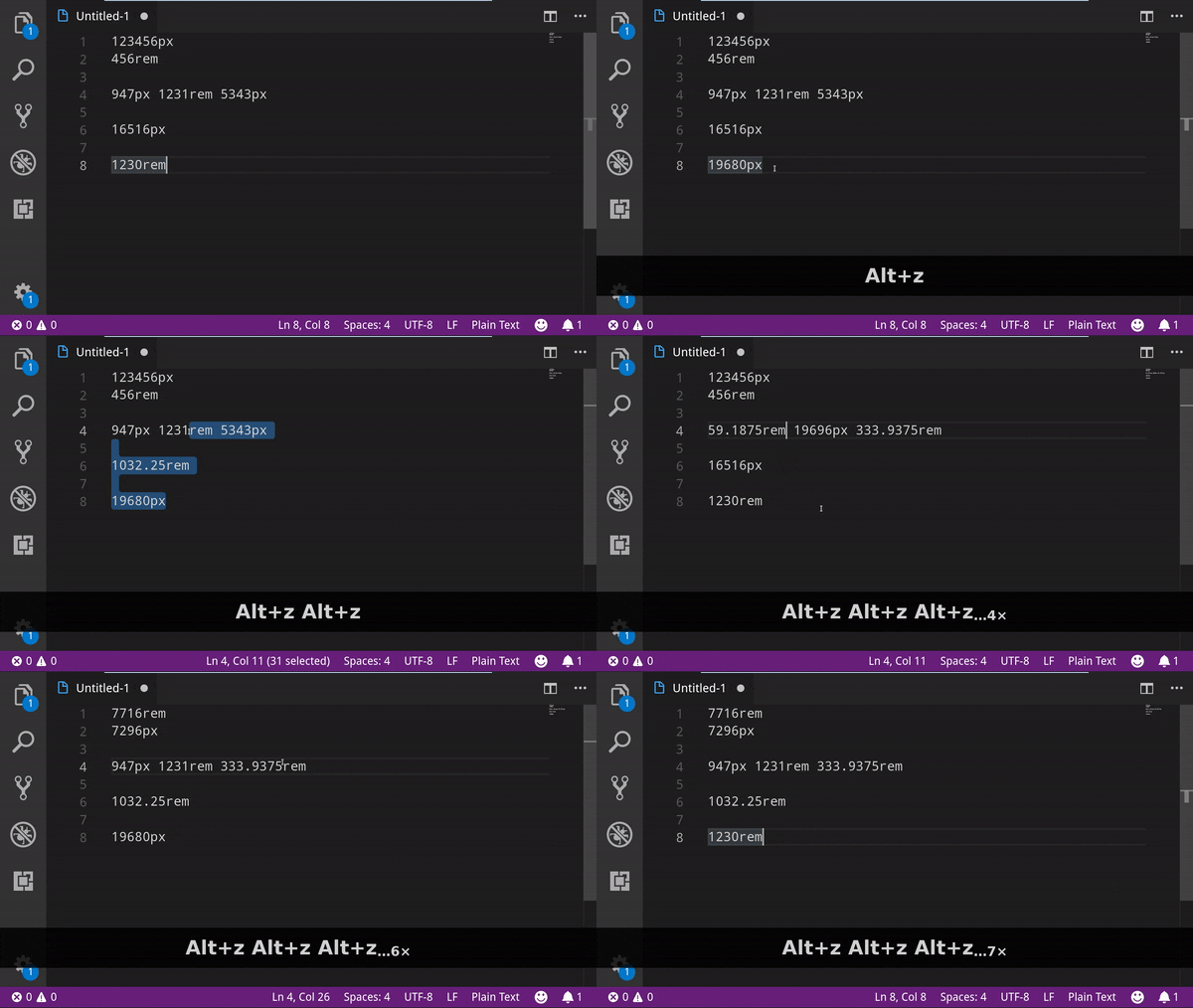
8. px to rem
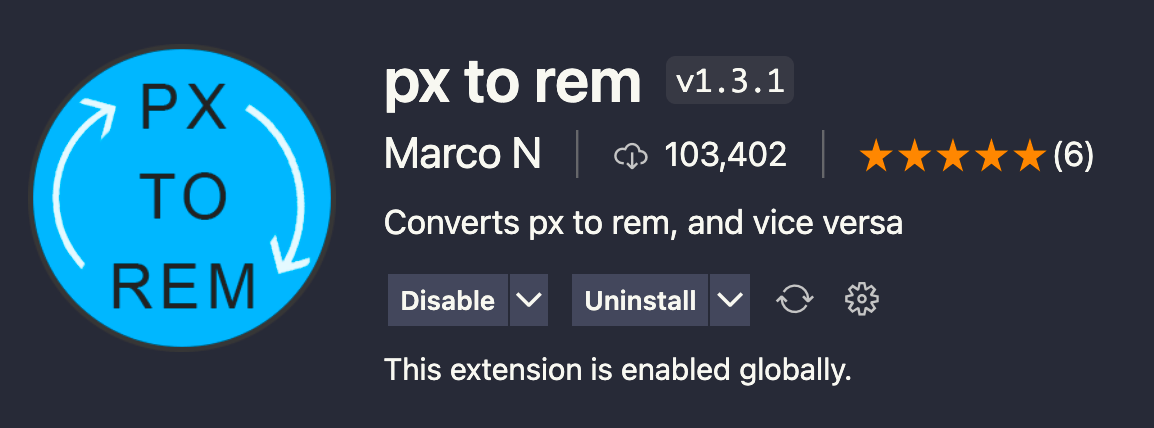
rem is a CSS unit relative to the root font size, which helps support accessibility by respecting user font-size preferences. This extension
allows us to convert px to rem, and vice versa.
9. Tailwind CSS IntelliSense
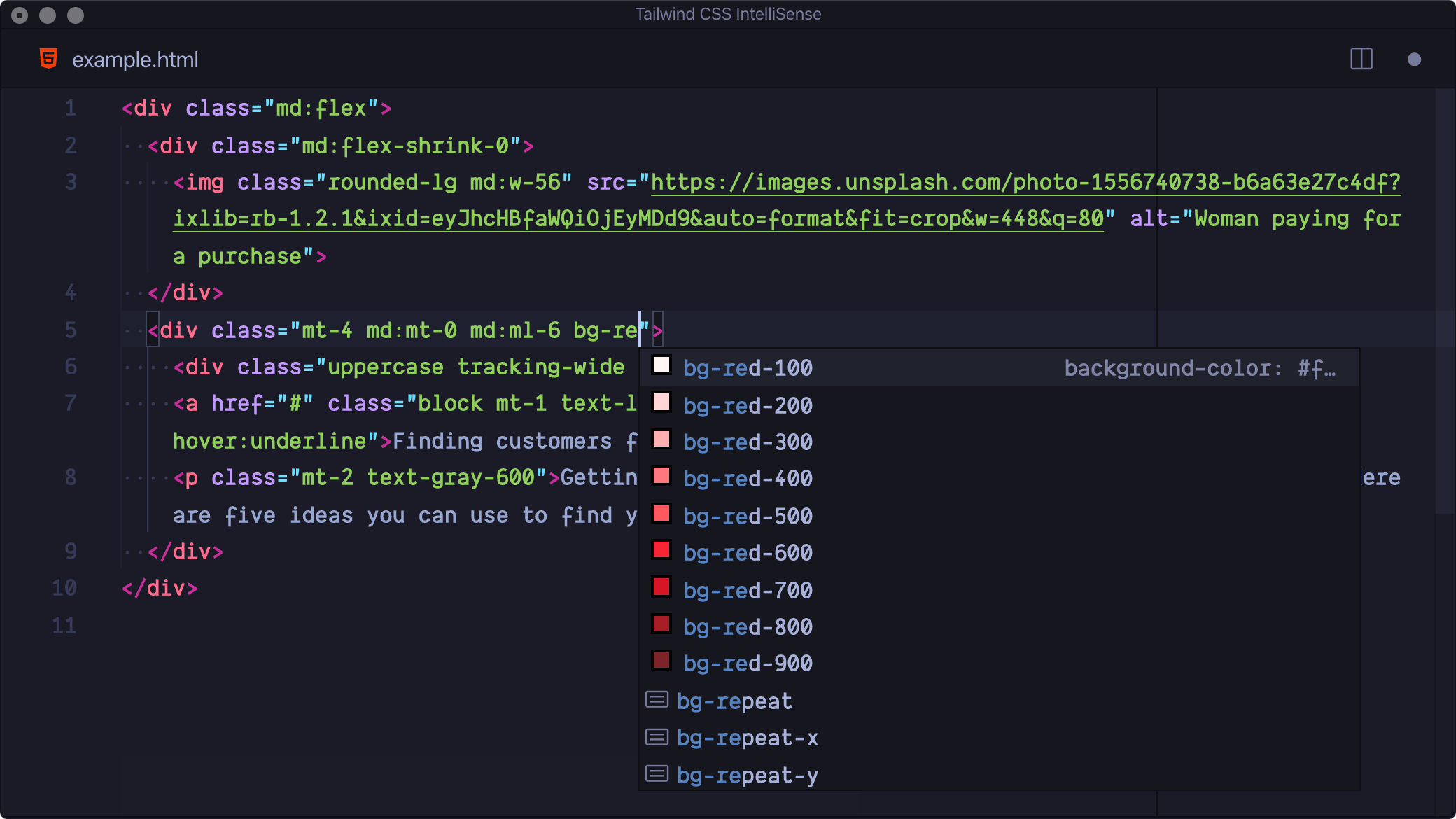
Tailwind CSS IntelliSense enhances the Tailwind development experience by providing Visual Studio Code users with advanced features such as autocomplete, syntax highlighting, and linting.
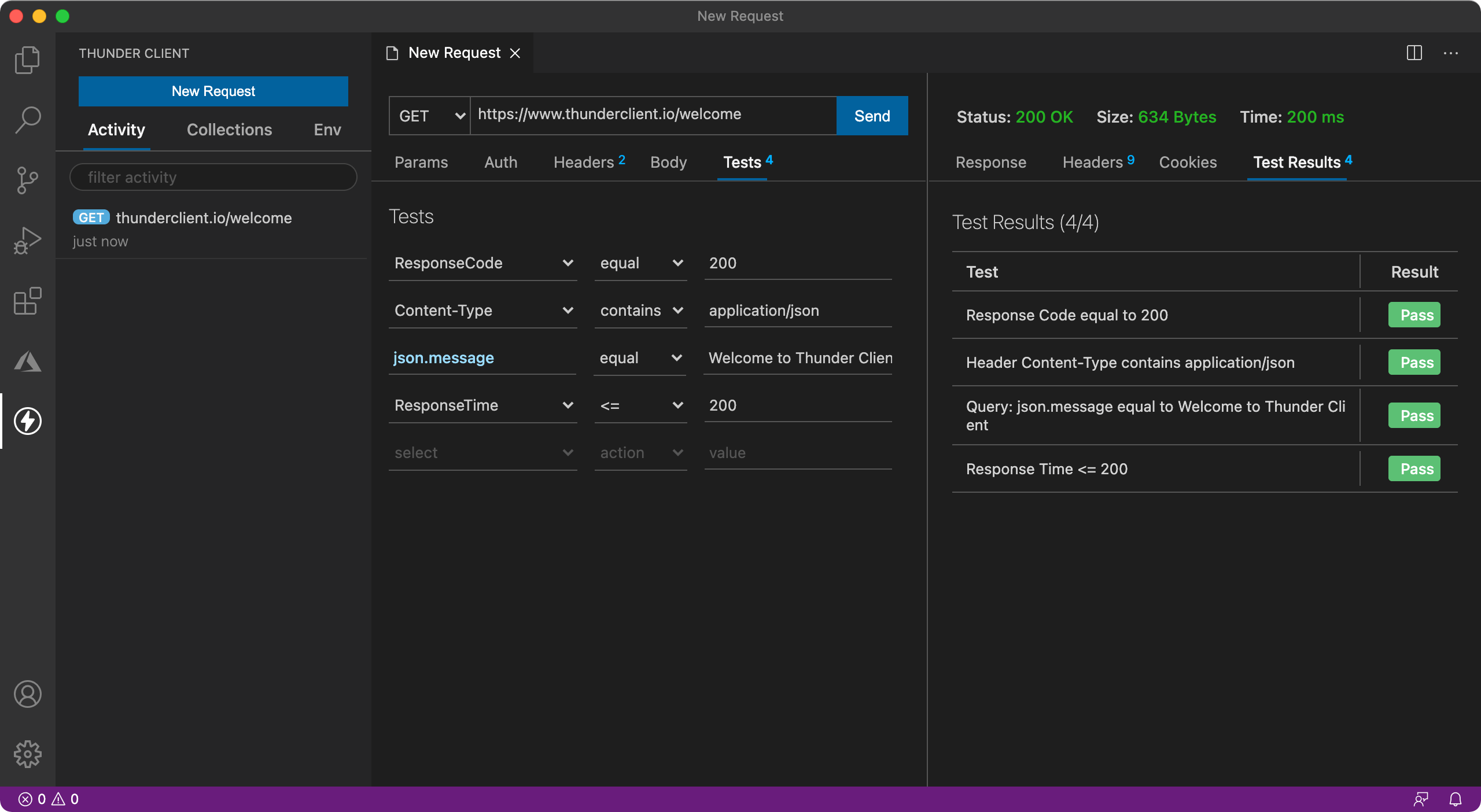
10. Thunder Client
Lightweight yet fairly powerful rest client. This one is perfect as I am used to using Insomnia. Unfortunately, Insomnia is getting bigger and bigger and doesn't serve the basic purpose of just rest and dirty rest testing.